US projector buying guide
Projector for Classrooms and Training Rooms: What Works and What Does Not
For a small classroom, tutoring space or training room, the projector has to make text readable from the back row in the light you actually teach in. For rooms of up to about twenty people where the light can be controlled, our recommendation is the BOSS A5. For large halls or rooms with uncovered windows, a home-and-office projector is the wrong tool, and we say so below.

Which rooms this guide is for
This guide covers small classrooms, tutoring centers, church halls used for small groups, staff training rooms and community spaces where the projector is set up on a table or trolley and moved between rooms. It does not cover lecture theaters, gyms or rooms with large uncovered windows. Those need equipment and installation planned by an AV specialist, and buying a portable projector for them leads to disappointment.
Make text readable from the back
Students read projected text, so plan for the furthest seat. Measure it, then size the image so your smallest regular text is comfortable from there. In a small room that usually means a 16:9 image of 80 to 100 inches (about 70 to 87 inches, or 1.8 to 2.2 m, wide). The A5 displays native 1080p (1920 × 1080), which keeps slide text crisp at those sizes, and it is listed for images from 65 to 150 inches.
Choosing a projector for presentations or a meeting room? See our guide to office and meeting-room projectors.
Use large fonts and high-contrast slides: dark text on a light background or light text on a dark one, never pale grey on white. A slide that is readable on a laptop screen is often unreadable at the back of a room.
Plan the light, honestly
Daylight and ceiling lights falling on the screen reduce contrast more than any other factor. Put the screen on the wall furthest from the windows, close the nearest blinds and switch off the lights directly above the screen while keeping the rest of the room lit for note-taking. We do not publish a measured ANSI brightness figure for the A5, so it belongs in a room where you can control the light. If you cannot, a large display is the better choice.
Connections for teachers and trainers
The A5 has one HDMI input, one USB port and an AV input. Keep an HDMI cable and a USB-C-to-HDMI adapter that supports video output on the trolley, because guest trainers rarely bring the right one. Microsoft’s guide to projecting from a Windows PC explains the duplicate and extend modes trainers will be asked about. The built-in Android 11 system and dual-band Wi-Fi can play supported video apps without a laptop; test the platform your organization uses before relying on it, and keep a downloaded copy of important videos where the app allows it.
Sound for a room of students
The built-in speaker suits a small group. For a full classroom, pair a Bluetooth speaker placed near the screen, or use a wired connection, and check that speech stays in sync with video. Test at the volume you will actually need, with the room’s normal background noise.
Setup that survives a busy timetable
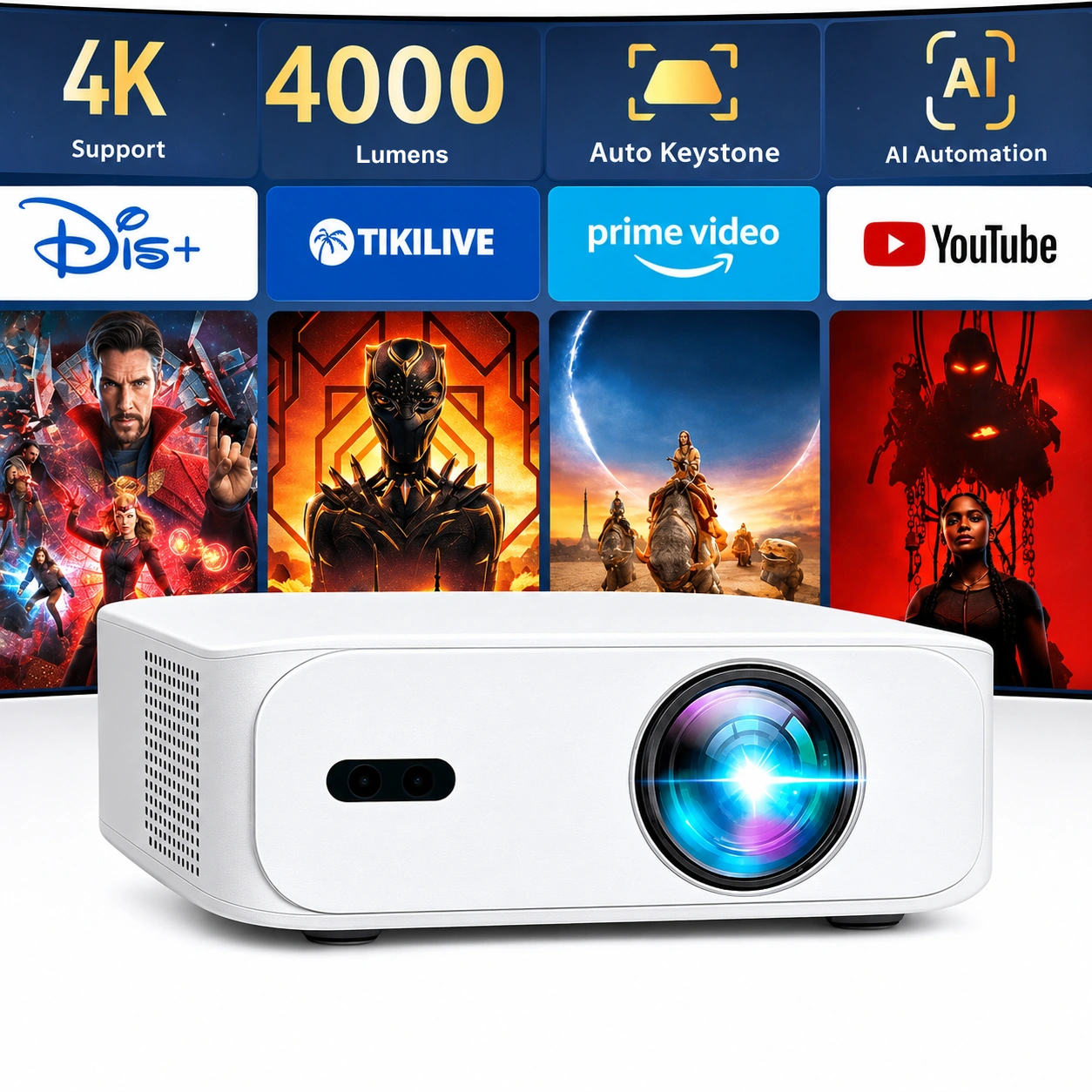
Teachers do not have ten minutes between classes. AI-assisted autofocus and automatic keystone correction let the A5 sharpen and square the image after it is moved, so a projector on a trolley is ready quickly. Keep it as square to the screen as possible, because large keystone corrections soften text. A permanent room can use the included ceiling mount once the ceiling and fixing method have been checked by whoever maintains the building.
Screens and surfaces
A matte white screen or a smooth, light-colored wall gives the most readable image; avoid glossy whiteboards, which reflect a hot spot into the room. BenQ’s guide to projector screen types and sizes compares surfaces and gains. The 60-inch screen included with eligible direct orders suits a small group close to the front. For a full classroom, use a larger screen or a clear wall area so the image can reach 80 to 100 inches.
Safety and care
- Route cables away from walkways or cover them.
- Leave space around the vents and never cover a running projector.
- Let it cool before packing it on the trolley.
- Store the remote and adapters in one labeled pouch.
A classroom checklist
- Measure the furthest seat and choose an 80–100 inch image.
- Choose the wall furthest from the windows.
- Test a real slide deck from the back row.
- Keep HDMI and a video-capable USB-C adapter on the trolley.
- Test your video platform on the projector.
- Plan a speaker for full classes.
- Write a two-line start-up note for substitutes and guest trainers.
Our recommendation
For small classrooms and training rooms where the light can be controlled, we recommend the BOSS A5: native 1080p with 4K input support, quick automatic setup and light enough to move between rooms. For a bigger hall or a bright room, speak to an AV specialist rather than buying a portable projector. See also our guide to office and meeting-room projectors.
Buying for a US school or training center
Schools, tutoring centers and nonprofits often buy through a purchasing process: ask our US support team for the product details you need in writing. Prices on USProjector.com are in US dollars with applicable tax shown at checkout. Eligible direct orders ship free by express service from a US warehouse, normally 2–3 business days after dispatch. Eligible orders can be returned within 30 days of delivery.
Afternoon sun is the usual problem in west-facing classrooms. Test the screen position at the time your longest lessons run, not first thing in the morning. Turn on captions for the videos you project: they help students at the back of the room as well as those who rely on them.
Current models and prices
Explore the current models
Review the key specifications and current prices. Open a model for the full details.