US projector buying guide
How a Projector Works: Light Source, Image Chip and Lens Explained
A projector receives a video signal, forms an image using an imaging system, and sends light through a lens onto a screen. The light source, imaging chip and lens do different jobs. Understanding that distinction makes product descriptions much easier to compare.

You do not need to become an optical engineer to choose one. Start with three questions: what image can this model display, where must its lens sit, and what source will supply your movies or presentations?
From your movie source to the screen
A streaming device, computer, game console or built-in app supplies the video. The projector processes that signal into images its display system can produce. The lens enlarges the image onto the screen; focus brings details into definition at the chosen distance.
The screen then reflects projected light toward the audience. Its surface, size and the light already in the room affect what you see. A sharp image can still look washed out when room light falls onto it. Conversely, darkening the room cannot repair a genuinely unfocused image.
What DLP and LCD describe
DLP is a display technology based on a digital micromirror device, or DMD. Its tiny mirrors control reflected light to create the image. Texas Instruments, the developer of DLP, explains the technology in its DLP projection overview.
LCD projection uses liquid-crystal panels to modulate light. These labels describe how an image is formed; they do not, by themselves, establish a projector’s brightness, contrast, lens quality or suitability for your room. Compare the exact finished models rather than declaring every example of one technology better than every example of another.
How the projector makes a color image
A color image combines red, green and blue light. The mechanism varies. In a 3LCD design, separate panels control each color and a prism combines them before the lens, as described in Epson's 3LCD explanation. The general label “LCD projector” does not establish that a particular model uses this three-panel arrangement.
That distinction helps you read a specification without mixing categories: DLP or LCD describes image formation; LED, laser or lamp describes illumination; Full HD or 4K UHD describes displayed detail. None of those terms specifies the speaker, streaming apps or lens range.
LED, laser and lamps are light-source descriptions
An imaging system needs illumination. Different projectors use a lamp, LEDs or a laser-based light engine. That is why a projector can be described as both DLP and LED: the words refer to different parts of the system.
A traditional lamp-based model may have a specified replacement lamp and a replacement procedure. An LED or laser model should not be assumed to have an equivalent user-replaceable bulb. Check the exact manual and service policy. Do not buy a generic replacement lamp because it appears in an unrelated installation video.
When comparing long-term ownership, ask about the manufacturer’s stated operating conditions, maintenance, warranty and service options. A light-source life claim is not a promise that every component will last that many hours, and it is not a warranty length. This article does not assign an unverified lifetime to any BOSS Projectors model.
Accepted input and displayed resolution differ
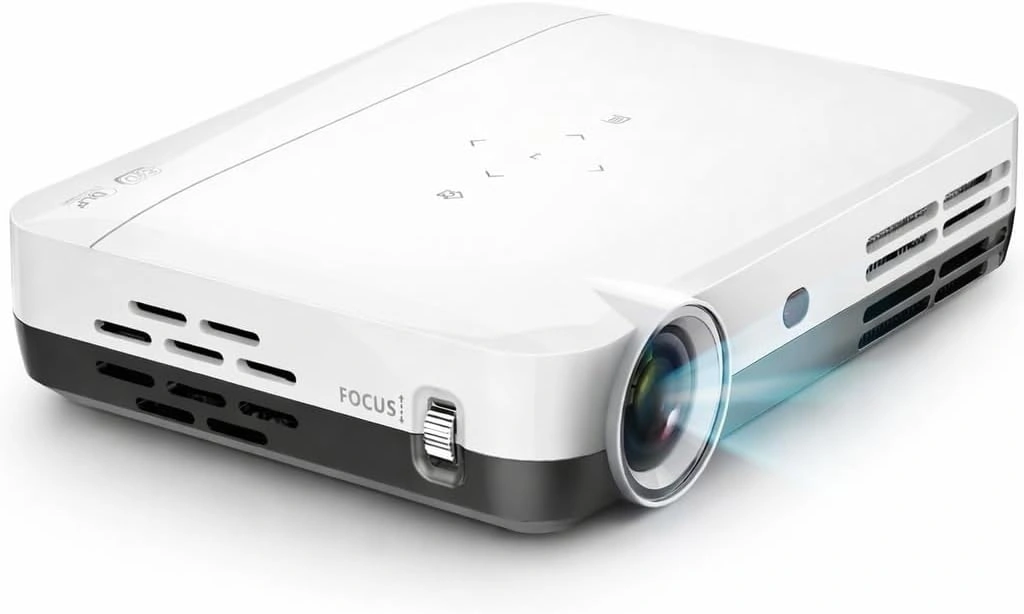
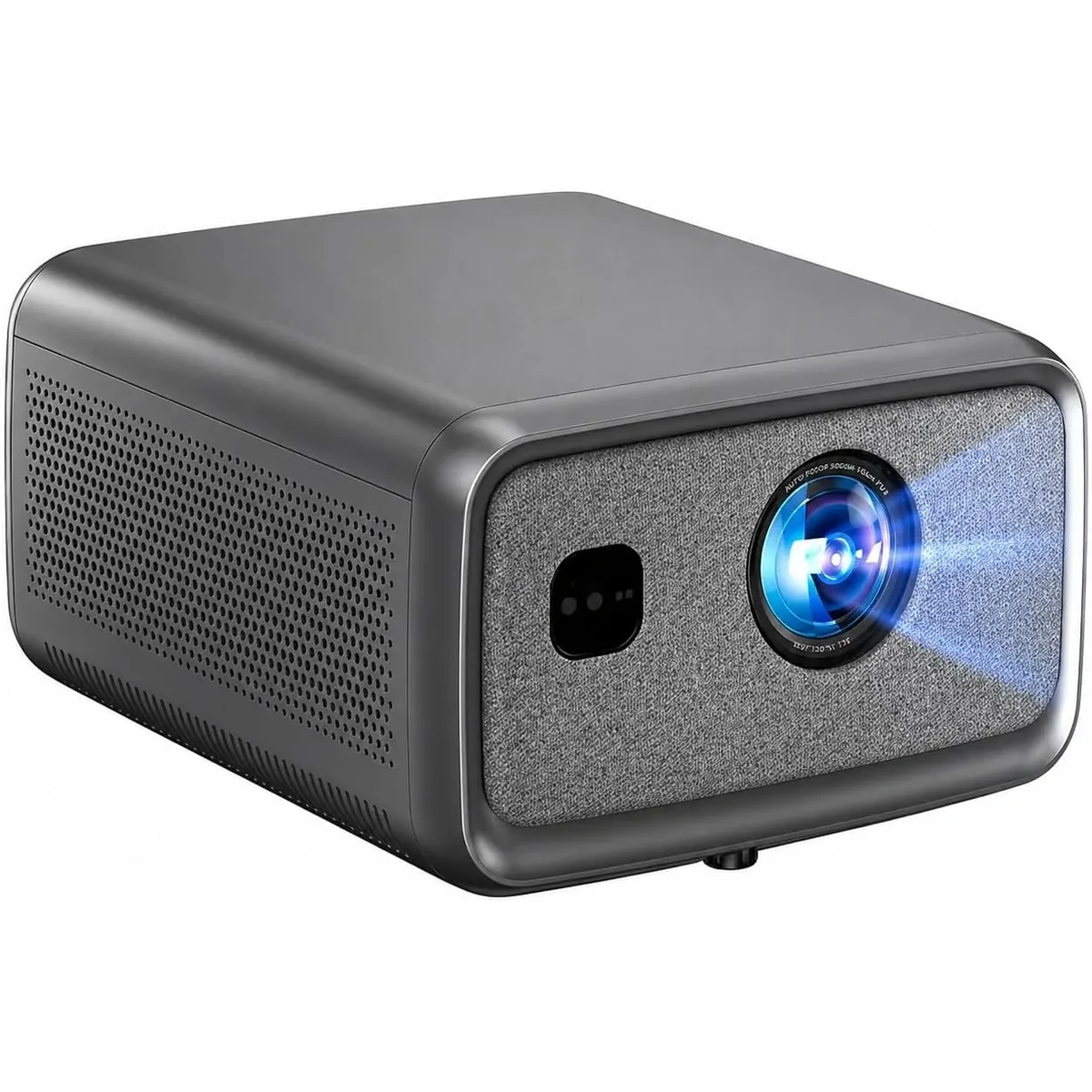
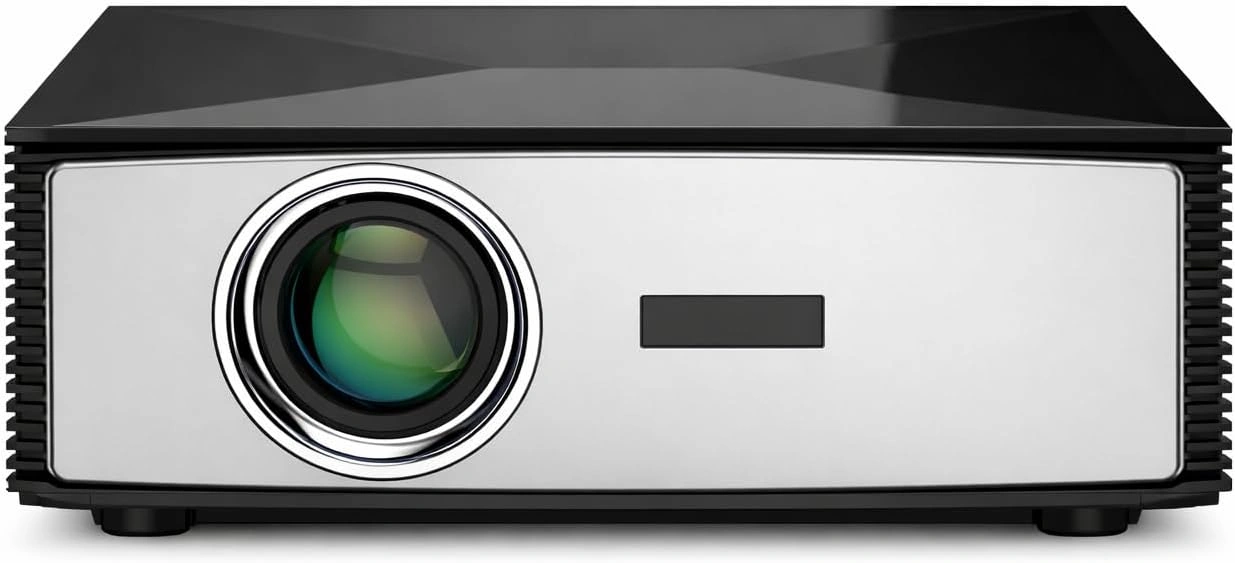
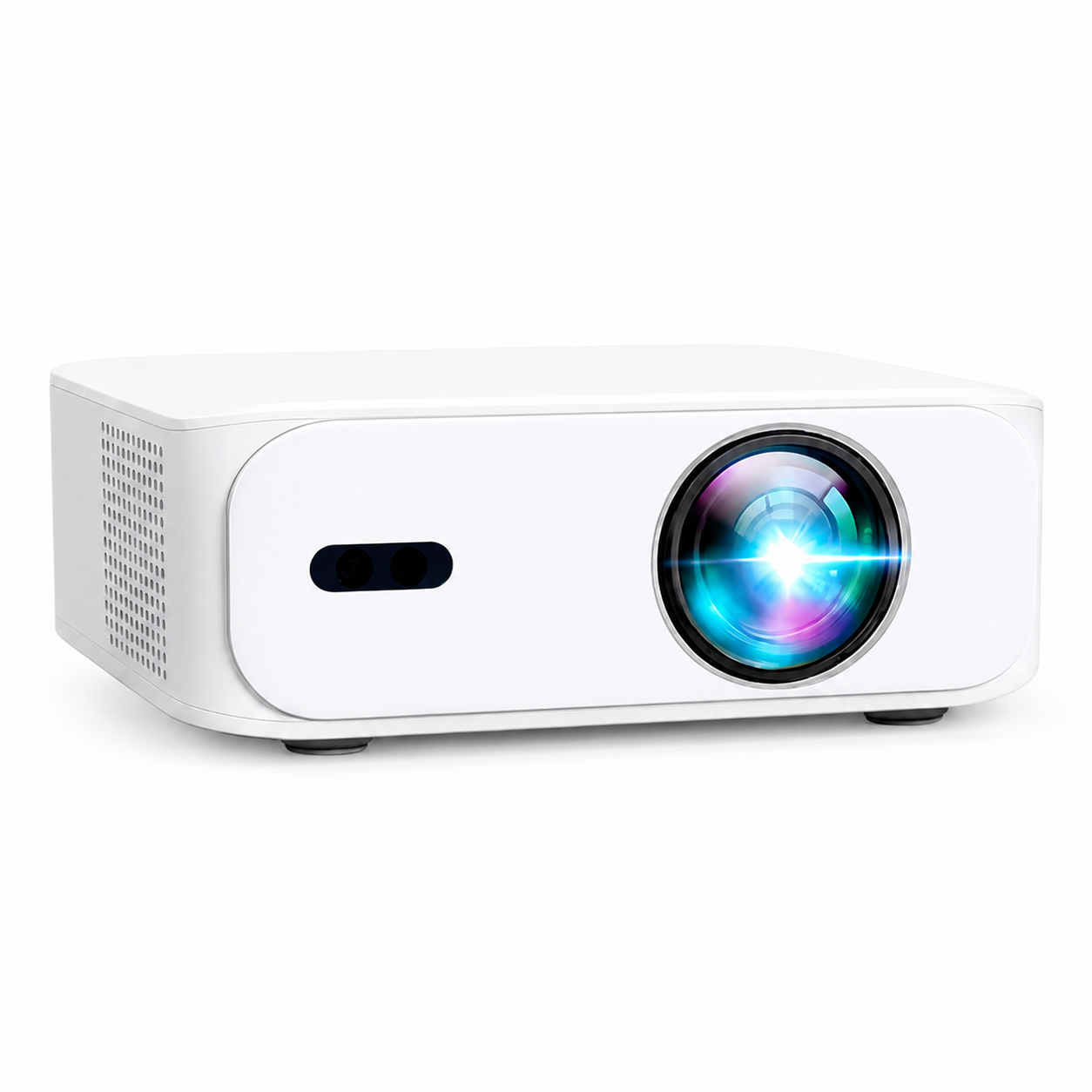
A projector may accept a 4K video signal and scale it to a lower-resolution image. The supported input therefore needs to be read alongside the displayed resolution. In the current BOSS Projectors range, S7 has 3840 × 2160 4K UHD output. S8A has native 1920 × 1080 Full HD output with compatible 4K input; A5 and S6A are Full HD models.
More displayed detail can matter with a large image and detailed source, but resolution does not establish the brightness of that image or its required throw distance. Read those specifications separately. A product photo or an edited lifestyle image cannot verify a measured contrast or brightness result.
What the resolution numbers mean
Full HD's 1920 × 1080 frame contains 2,073,600 image positions; a 3840 × 2160 4K UHD frame contains 8,294,400. That is four times as many positions, not four times the brightness. A model can accept a larger input frame and scale it down, so read both the input and output specification.
The output resolution also should not be used to infer the exact number of physical mirrors on a DLP chip. Some projection designs use pixel shifting. A claim about a model's chip construction needs the specific chip or optical-system documentation.
Why placement remains a separate decision
The lens determines how image size changes with distance. Digital resizing and keystone correction adjust the picture; they do not remove the need to plan the physical position. Our 100-inch screen distance guide shows how to calculate width and use a documented throw ratio.
For a first setup, place the projector square to the screen, choose a suitable image size, then focus and check the corners. Use the projector’s own ventilation clearances and installation instructions. If you will mount it overhead, confirm compatibility before buying hardware.
Use the signal path to narrow down a problem
| Symptom | Useful first check |
|---|---|
| The projector menu is sharp but the movie is soft | Check source resolution, stream quality and source-device scaling before changing focus |
| Both the menu and movie are soft | Check focus, lens-to-screen position and the screen surface |
| Only corners or one side are soft | Check that the projector and screen are square and the surface is flat |
| The image is sharp but looks pale | Reduce light on the screen and check image size and picture mode |
| The menu appears, but HDMI says no signal | Check the selected input, source power, supported output and HDMI cable |
These checks isolate parts of the system; they are not a diagnosis of an internal defect. Avoid opening the case or adjusting internal optics. If normal setup checks do not help, give support the source device, input, settings and symptoms.
Turn the explanation into a buying check
- Confirm native or displayed resolution and supported input separately.
- Identify the exact lens-to-screen range for your image size.
- Check your actual streaming device, computer or console connection.
- Compare brightness only when the measurement method is clear.
- Read the maintenance and service policy for the particular light source.
For current US prices and model features, compare the four BOSS projectors. If an unfamiliar specification still affects your decision, send support the full model name and the room measurements so the answer can address your actual setup.
Current models and prices
Explore the current models
Review the key specifications and current prices. Open a model for the full details.