US projector buying guide
What Projector Should I Buy? A US Guide to Room Fit and Real Costs
Choose a projector that fits the room and source you will actually use. Begin with light, image size and lens placement; then compare supported inputs, displayed resolution, sound and the complete purchase cost. The most expensive model is not automatically the best fit for a small apartment or occasional movie night.

This guide is written by the BOSS Projectors US storefront and compares our current range. It is not an independent ranking of every projector brand or a claim that one model outperforms every competitor.
Write down four room measurements
Record the desired image diagonal, available wall width, lens-to-screen distance and seating distance. The lens position must allow room for the projector body, connectors and ventilation. In a small room, that physical fit may eliminate a model before price becomes the deciding factor.
Our 100-inch screen guide shows the width calculation and how throw ratio affects placement. Its examples do not establish the throw ratio of a BOSS Projectors model. Confirm the exact product’s placement range before ordering a fixed mount or screen.
Match the projector to your viewing time
Check the room in the afternoon and at your usual evening viewing time. Identify sunlight or lamps that fall directly on the proposed screen. Decide whether you are willing to close blinds or move those lights whenever you watch.
For a bright multipurpose room, include a TV in the decision. For controlled evening viewing, a projector may give you the larger image you want. Outdoor plans should assume after-sunset use in dry conditions; our projectors are not weatherproof.
Brightness claims require context. Do not compare two large numbers as if they were measured identically when one listing does not identify its method. A maximum image-size claim also does not establish an enjoyable picture at that size in your room.
Separate 4K input from 4K UHD output
Supported input describes the signals a projector accepts. Displayed resolution describes the image it produces. A Full HD model accepting a compatible 4K signal still needs to scale that input to its display.
| Model | Direct US price | Display and focus notes |
|---|---|---|
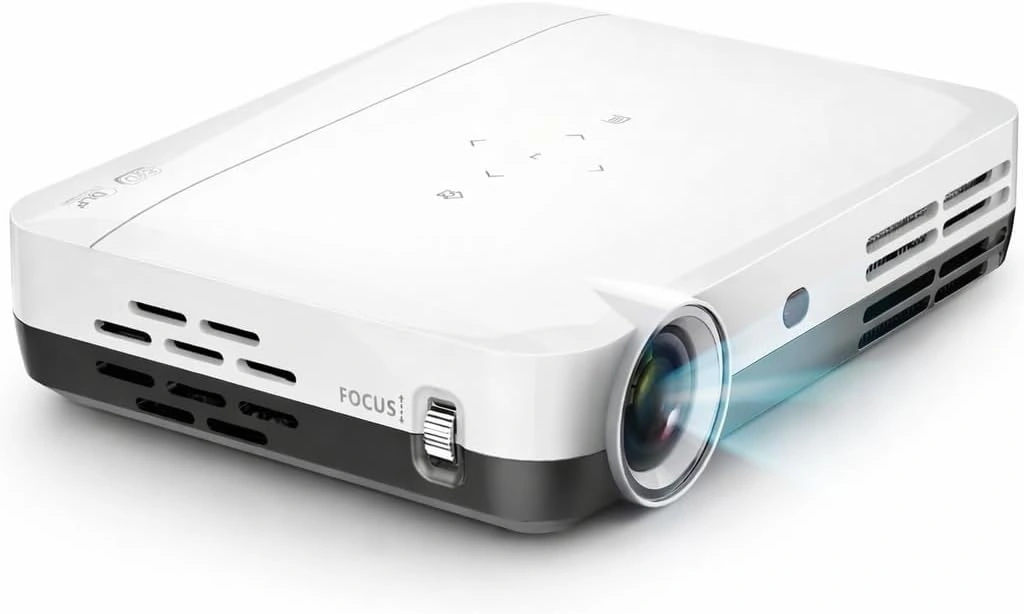
| A5 | $199 USD | Full HD; AI-assisted autofocus and automatic keystone |
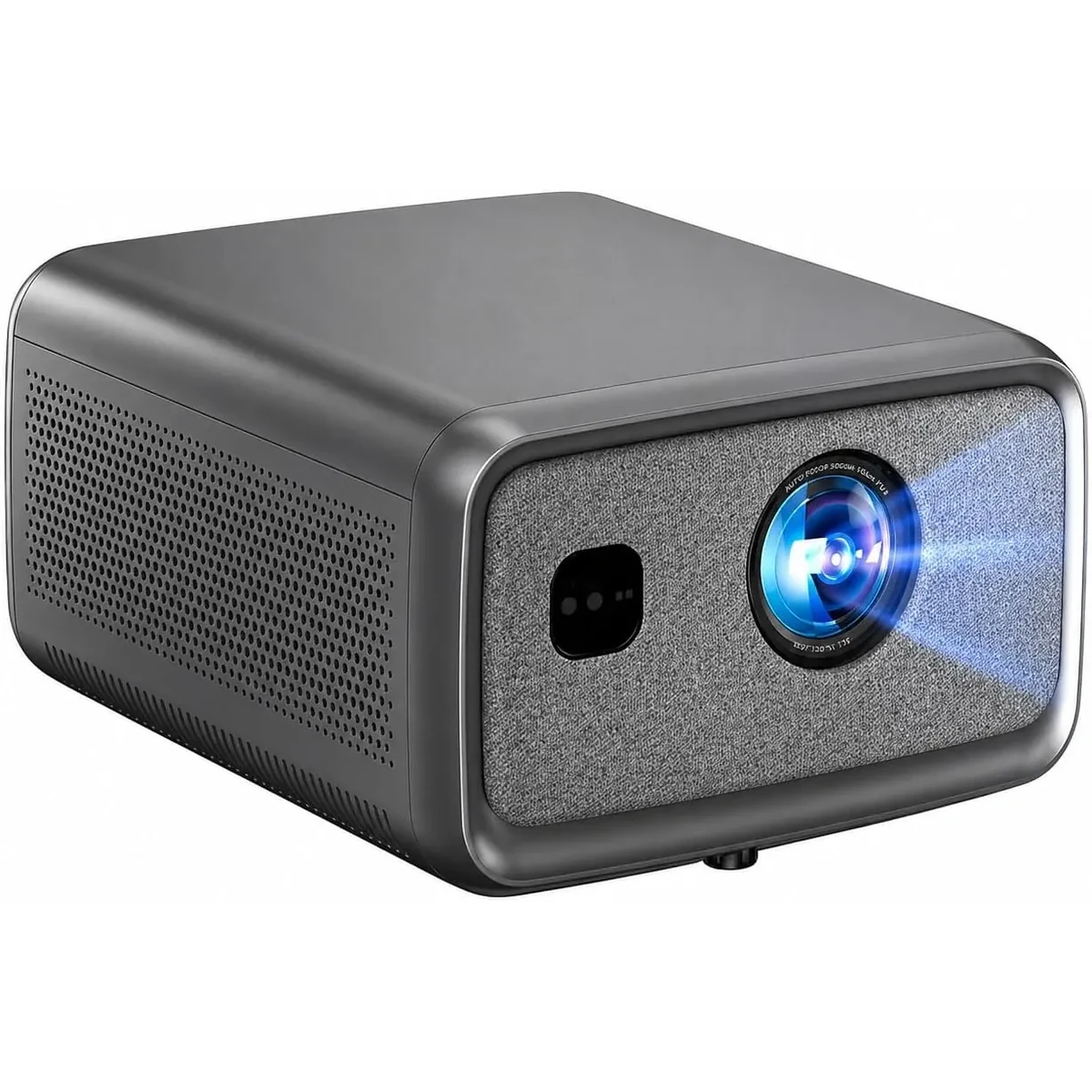
| S6A | $429 USD | Full HD; automatic focus and image correction |
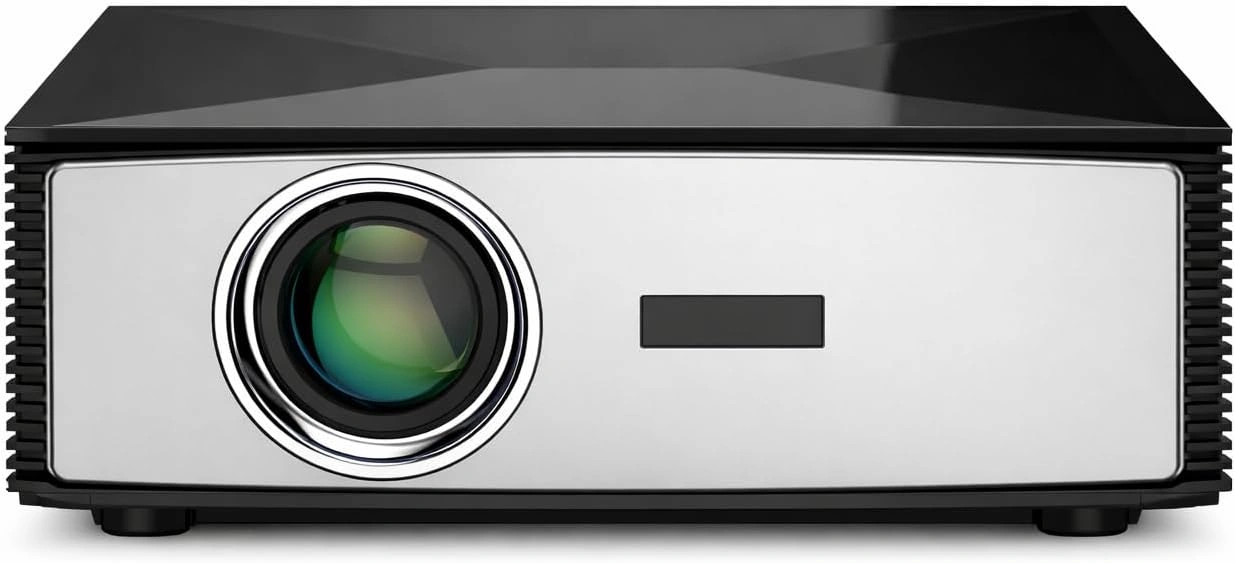
| S7 | $749 USD | 4K UHD output; remote digital focus |
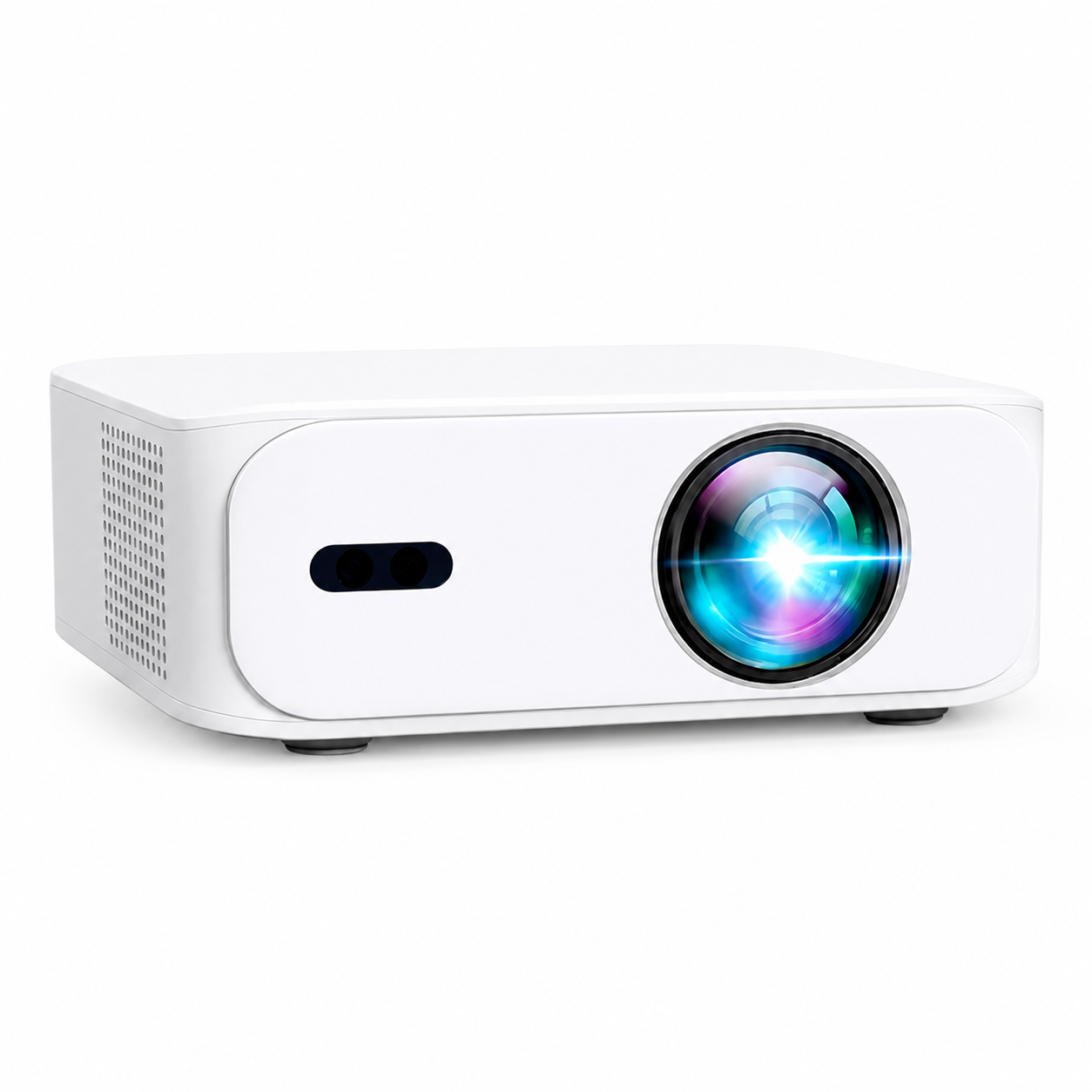
| S8A | $899 USD | Native Full HD with compatible 4K input; automatic focus |
These direct-store prices are in USD. Marketplace prices, bundles and availability can differ. Use the product pages for the current full specification and stock status.
What the extra spend should buy for you
| Step in the range | Price difference | Decision to resolve |
|---|---|---|
| A5 → S6A | $200 USD | Both display Full HD. Identify the documented setup or feature difference you will use; price alone is not proof of better brightness |
| S6A → S7 | $320 USD | S7 adds 4K UHD output. Check whether your source and planned image benefit, and whether its placement and remote digital focus suit the room |
| S7 → S8A | $450 USD | S8A displays native Full HD with compatible 4K input. Choose it for the documented smart/setup features you prefer, not as a resolution upgrade over S7 |
The A5 is the lowest-priced entry in this range. The S7 is the model to investigate when 4K UHD output is a requirement. The S8A costs more than S7 while displaying fewer pixels, so compare the features and operating experience you want carefully. None of these price comparisons establishes measured brightness, contrast or gaming latency.
Check the actual device and task
For movies, confirm your streaming service’s supported playback method. For gaming, ask for verified input-lag and refresh information for the exact input mode rather than inferring speed from “4K” or “smart.” We do not publish an invented latency figure for any BOSS Projectors model.
For business presentations, test the smallest text in the real slide deck under the room’s lighting. Confirm the laptop’s video output, adapter, audio and cable route. A device that looks good playing a movie is not automatically suitable for every detailed spreadsheet or presentation layout.
Phone or laptop Wi-Fi connectivity does not guarantee a compatible casting protocol. Plan a supported wired or wireless connection and test the files or apps you intend to show. Use our connection checklist when a phone is the main source.
Verify two specifications that marketing shorthand can hide
Throw range: a maximum screen-size claim does not say whether a model fills your chosen screen from your shelf. Start with the lens position and screen width; Epson's placement overview explains why projection distance matters. Get the exact BOSS Projectors model's dimensions before choosing fixed installation hardware.
Streaming: confirm the playback method supported by your service. Netflix's supported-device guide identifies device families; check the specific player and app before purchase. Budget for a compatible HDMI player if the built-in app does not meet your requirements.
Compare the complete purchase cost
Include the screen, installation, any source device, cables, audio and applicable taxes. Direct BOSS Projectors bundles include accessories described on the product page; confirm what is already included before buying duplicates.
For a projector-only budget below $1,000 USD, A5, S6A, S7 and S8A currently fit that limit. That does not mean every complete installation will. The current direct range does not include a new projector under $100 USD, so we cannot provide an honest BOSS Projectors shortlist at that price.
Read the seller’s return conditions and keep the receipt. Our direct orders include free express shipping from a US warehouse, with returns authorized through a US warehouse under the return and warranty policy. Marketplace orders follow the terms of the listing and retailer.
A budget example that leaves room for the setup
Launch-price example (September 9, 2026): With a hypothetical $600 USD total limit before tax, A5 at $229 leaves $371 for any additional source, audio, cables and installation. S6A at $429 leaves $171. S7 at $749 is already outside that limit. With a $1,000 pre-tax limit, S7 leaves $251. These are arithmetic examples, not quotes for the remaining equipment.
Check the included bundle before adding accessories to the cart. Then price the specific items your setup is missing, include tax, and compare the resulting totals. Keeping $200 for a source and sound that work in your room can be more useful than spending every dollar on the projector and discovering those requirements afterward.
Make a shortlist from requirements
Choose two models that meet the room and source requirements, then compare the feature differences you will use. Ask support about any missing specification before paying. Send the screen size, lens distance, light conditions, city or ZIP code and intended use so the advice can address a real installation.
See the four current BOSS Projectors models or ask our team for buying advice. A useful recommendation explains why the model fits your constraints; it does not simply repeat the highest specification number.
Current models and prices
Explore the current models
Review the key specifications and current prices. Open a model for the full details.