US projector buying guide
How Far Should a Projector Be from a 100-Inch Screen?
A 100-inch screen does not tell you how far back to put the projector. That number is the diagonal. Placement depends on the screen’s width and the exact projector’s throw ratio. For a 16:9 screen, a 100-inch diagonal gives an image about 87.2 inches wide and 49.0 inches high.

If a projector has a 1.2:1 throw ratio, that screen calls for roughly 104.6 inches from the lens to the screen—about 8 feet 9 inches. A different lens may need a very different distance. Use that calculation to plan the room, then confirm the model’s documented range before drilling.
Measure image width, not the screen frame
The advertised diagonal normally describes the viewable image. The frame, border, stand or mounting brackets add to the space the screen occupies. A screen that fits mathematically on a wall can still interfere with a doorway, speaker or light switch.
For a 16:9 image, width equals diagonal × 16 ÷ √337. Height equals diagonal × 9 ÷ √337. The following figures are rounded to one decimal place; they exclude the frame.
| Diagonal | Image width | Image height |
|---|---|---|
| 80 inches | 69.7 inches | 39.2 inches |
| 100 inches | 87.2 inches | 49.0 inches |
| 120 inches | 104.6 inches | 58.8 inches |
Put painter’s tape on the wall at the proposed corners. Sit where you actually watch and check the view from every regular seat. Include the bottom border and any soundbar in your measurements. This inexpensive check can reveal that a slightly smaller screen will be easier to live with.
Calculate lens-to-screen distance
The relationship is straightforward: distance = image width × throw ratio. Keep both dimensions in the same unit. For a 100-inch 16:9 screen, use the unrounded width of approximately 87.16 inches for the calculation.
| Illustrative throw ratio | Distance in inches | Approximate feet and inches |
|---|---|---|
| 1.0:1 | 87.2 | 7 feet 3 inches |
| 1.2:1 | 104.6 | 8 feet 9 inches |
| 1.5:1 | 130.7 | 10 feet 11 inches |
These are illustrative lens ratios, not specifications for the BOSS A5, S6A, S7 or S8A. Ask for the documented throw-distance range for the model and screen size you intend to use. Match the documented lens distance to your shelf position and preferred screen size.
Epson’s throw-distance guide explains lens-to-screen placement. Its model documentation also notes that zoom, aspect ratio and settings affect image size. A calculator for another model cannot verify a BOSS Projectors installation.
Already have a shelf? Work backward from its lens position
Divide the available lens-to-screen distance by the required image width. With a lens exactly 10 feet from a 100-inch 16:9 screen, the required ratio is 120 ÷ 87.16 ≈ 1.38:1. A documented optical range must include that value. A fixed-ratio lens that does not match may produce the wrong size, even though the projector fits on the shelf.
For metric measurements, the same screen is approximately 2.214 m wide × 1.245 m high. A hypothetical 1.2:1 lens would sit about 2.657 m away. Measure to the actual lens position, and use one unit throughout the calculation.
When a projector has optical zoom, calculate both ends of its documented ratio range. For an illustrative 1.2–1.5:1 lens, the 100-inch image can fall between about 8 feet 9 inches and 10 feet 11 inches. This is a planning example, not a BOSS Projectors zoom specification.
Allow room behind the lens
The distance from a shelf’s back wall to the screen is not automatically the usable throw distance. The projector body sits behind its lens, and cables need space to bend. Ventilation clearances must follow the projector’s own instructions.
Suppose your chosen lens needs about 8 feet 9 inches to fill the screen. A room that is 9 feet deep may still be too short once you account for the projector body, rear connectors and screen position. Draw the equipment and clearances before choosing a mount.
For a ceiling installation, check the mount’s rated load and compatibility, the attachment surface and the intended lens position. Do not use digital keystone correction as a substitute for finding a suitable mounting position.
Check the aspect ratio before ordering the screen
A 100-inch 4:3 image is 80 inches wide and 60 inches high. That differs substantially from a 100-inch 16:9 image, despite the identical diagonal. Match the screen format to the content you watch most. A wider cinema-format movie can have black bars on a 16:9 screen; stretching it to remove the bars changes the picture's proportions.
Before permanent installation, project a menu or grid at the intended size and verify all four edges in the real room. BenQ's GP100 manual likewise recommends checking actual size and distance before fixing a projector permanently. Use your own model's measurements and tolerances for the final location.
Understand optical zoom and digital resizing
An optical zoom range allows certain lenses to fill the same screen from more than one distance. Digital resizing changes the image within the available projected area; it does not turn the lens into a different lens. The usable picture may occupy fewer display pixels.
Similarly, keystone correction can make a trapezoid look rectangular, but it cannot solve every off-center installation without a trade-off. Aim to place the projector square to the screen, select the correct aspect ratio and focus it before applying correction. Check small text in the center and each corner.
Check seating and light separately
Lens distance and viewing distance are different measurements. You may sit in front of, beside or behind the projector depending on the installation. Try the proposed screen outline from the sofa and decide whether you can comfortably follow subtitles, a scoreboard and action at the edges.
Test the room at the time you watch. A light shining on the screen can reduce contrast even when the projector is producing a sharp image. Moving a lamp or closing a blind may improve the result more than choosing a larger diagonal. A smaller image can also concentrate the available light over less area.
Compare the BOSS Projectors models after checking fit
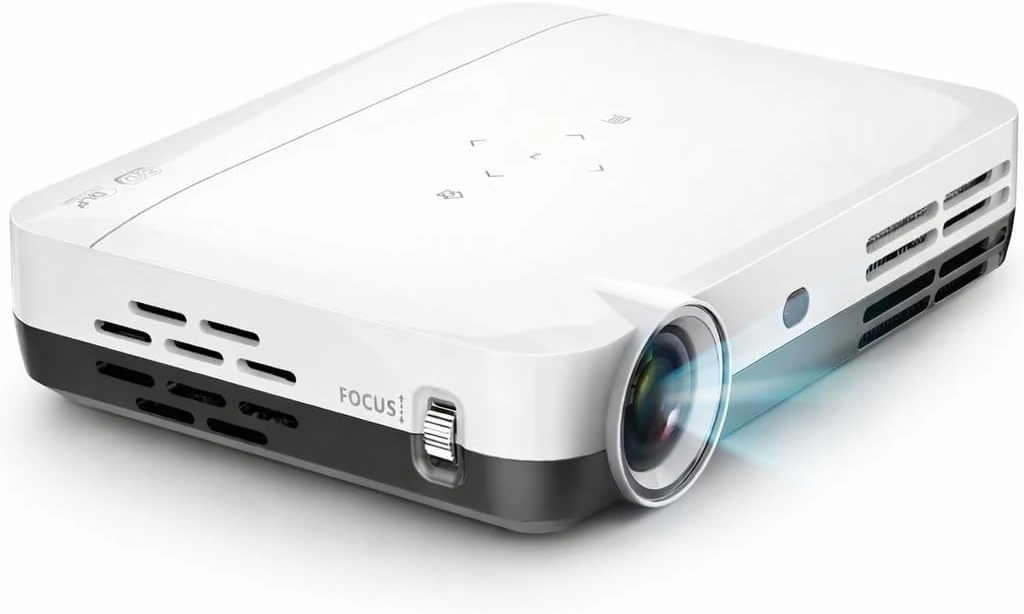
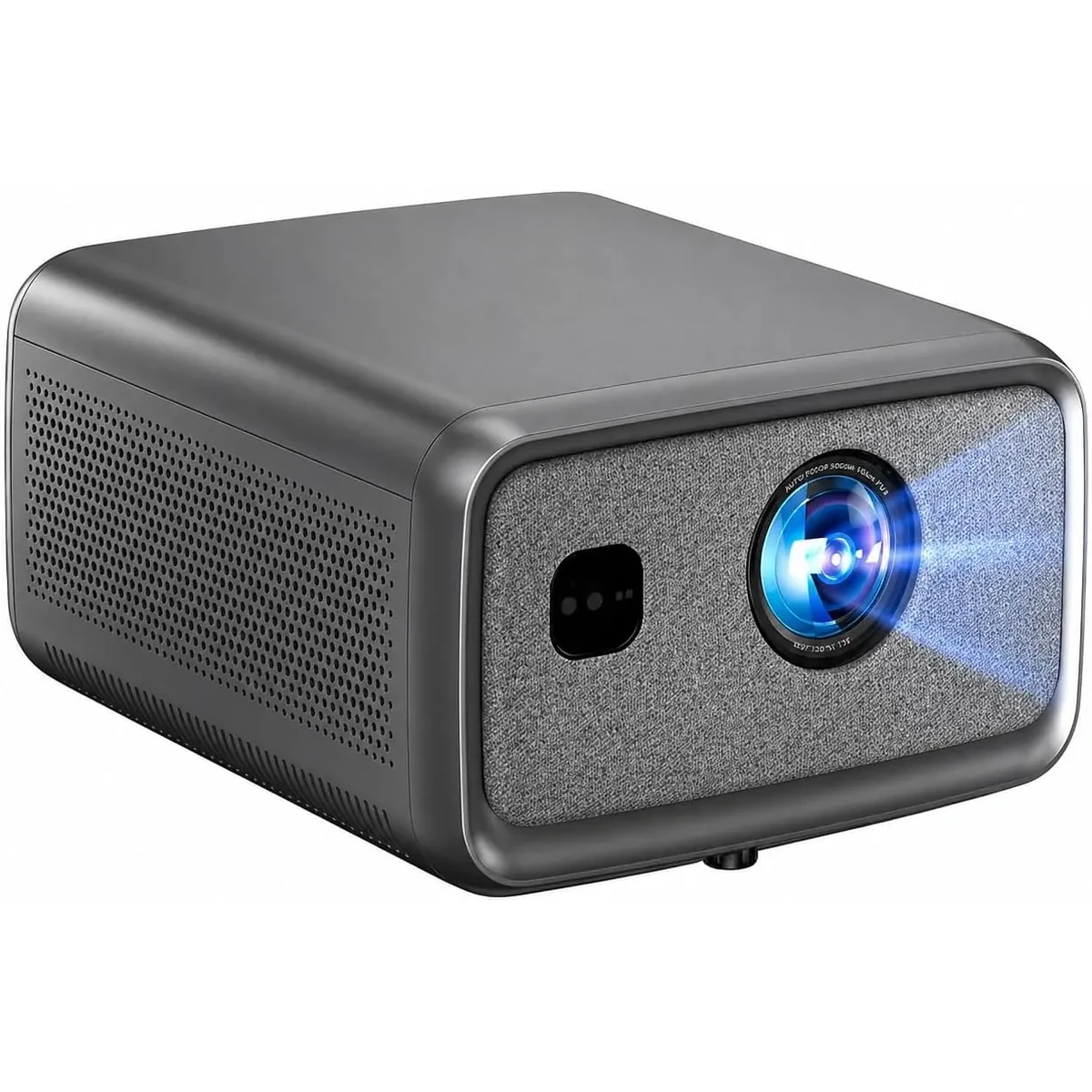
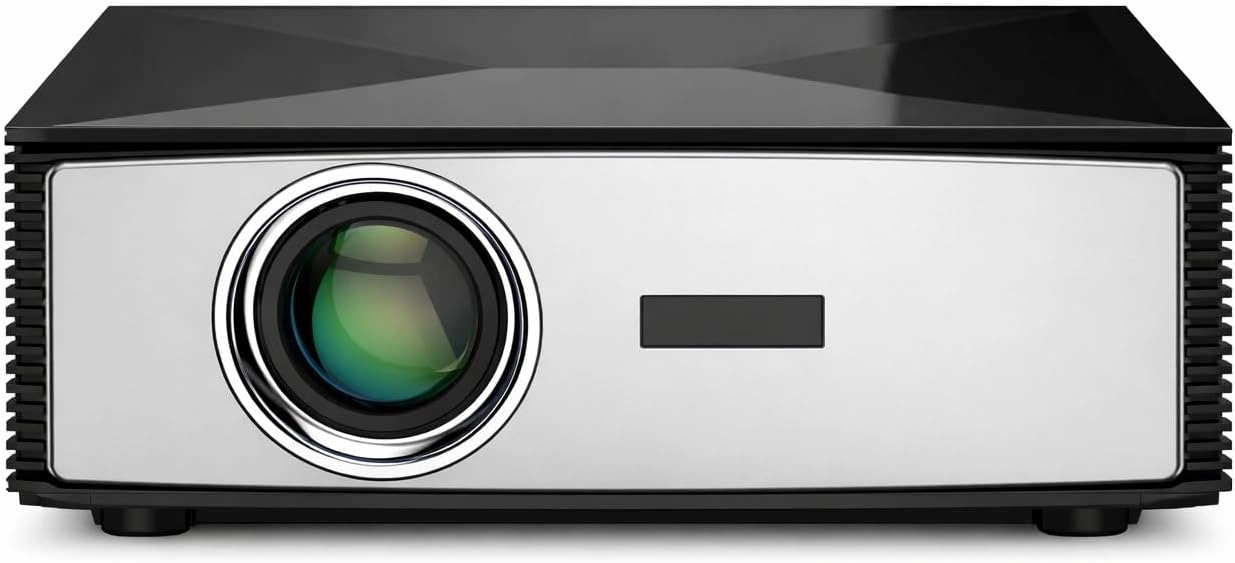
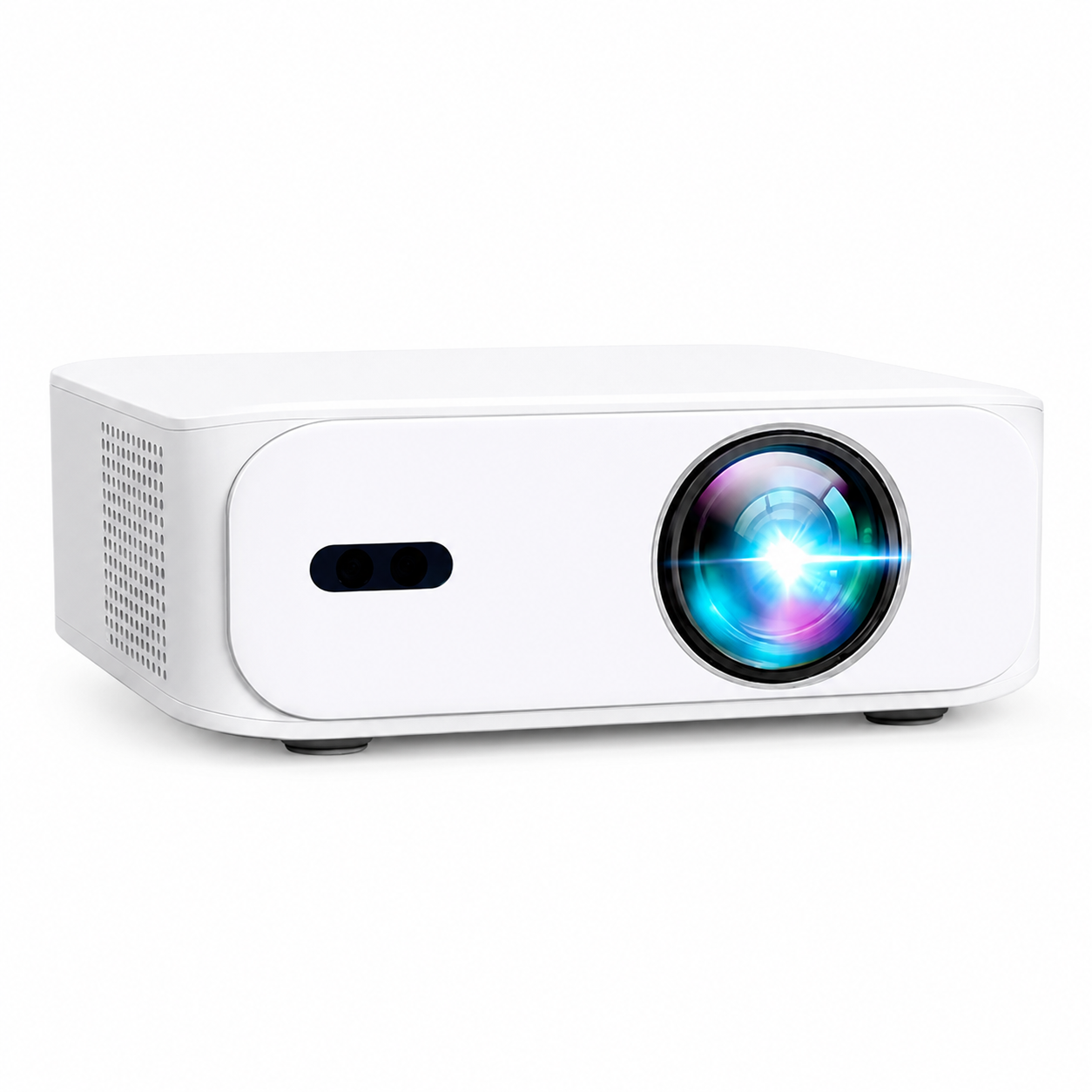
The US range includes the A5 at $199 USD, S6A at $429 USD, S7 at $749 USD and S8A at $899 USD. Price and accepted video input do not establish the required throw distance.
The S7 has 3840 × 2160 4K UHD output and remote digital focus. The S8A has native Full HD output with compatible 4K input; A5 and S6A are also Full HD models. Compare current specifications and US prices, then confirm the placement range for the exact model.
Send support your desired image diagonal, available lens-to-screen distance, wall width, seating position and lighting. Those five details are more useful than asking for the biggest screen a projector can produce.
A five-minute installation check
- Tape the image outline onto the wall and include the screen’s outer dimensions.
- Measure from the proposed lens position, allowing space for the body, cables and ventilation.
- Verify the exact model’s throw-distance range and aspect ratio.
- Try your actual movie or sports source and inspect the edges as well as the center.
- Confirm the screen is comfortable from the seats before fixing the final mount position.
For an outdoor version of this planning exercise, see our backyard movie-night setup guide.
Current models and prices
Explore the current models
Review the key specifications and current prices. Open a model for the full details.