US projector buying guide
Before the Opening Scene: Build Your BOSS A5 Movie-Night Kit
A portable projector is only as ready as the kit around it. Build your BOSS A5 movie-night kit around five things: power, a source that plays your chosen title, a usable picture surface, understandable sound and a protected way to carry everything. Test those together before taking the kit to another room or a friend's home.

The missing piece is rarely glamorous. It is the streaming player's power adapter, the remote left on another table or the login you have not used for months. This guide treats the A5 as the center of a repeatable kit, with a packing list, a destination check and a rehearsal that catches problems before the opening scene. It is planning guidance, not a hands-on review or a promise of setup speed.
Decide what “portable” means for your movie night
Moving from a bedroom to a living room is different from taking equipment to a weekend rental. At home, you already know the outlets, network and wall. Elsewhere, those are unanswered questions. Begin with the destination rather than the bag: ask where the picture will go, where the projector can stand and whether you can control the light.
Confirm an outlet at the destination and pack the A5's power adapter. Choose a dry, stable operating position with room for ventilation and cables.
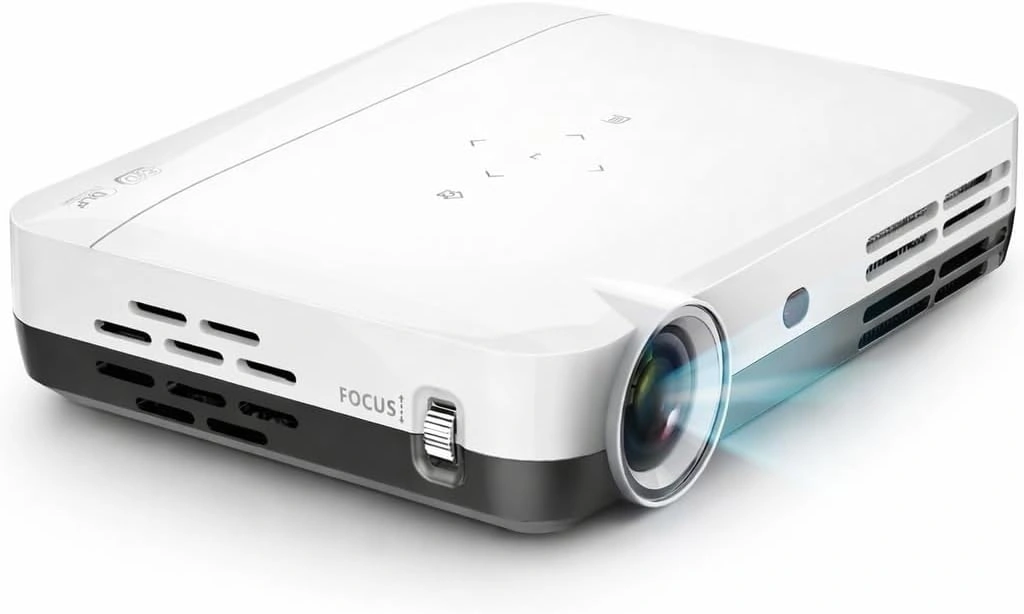
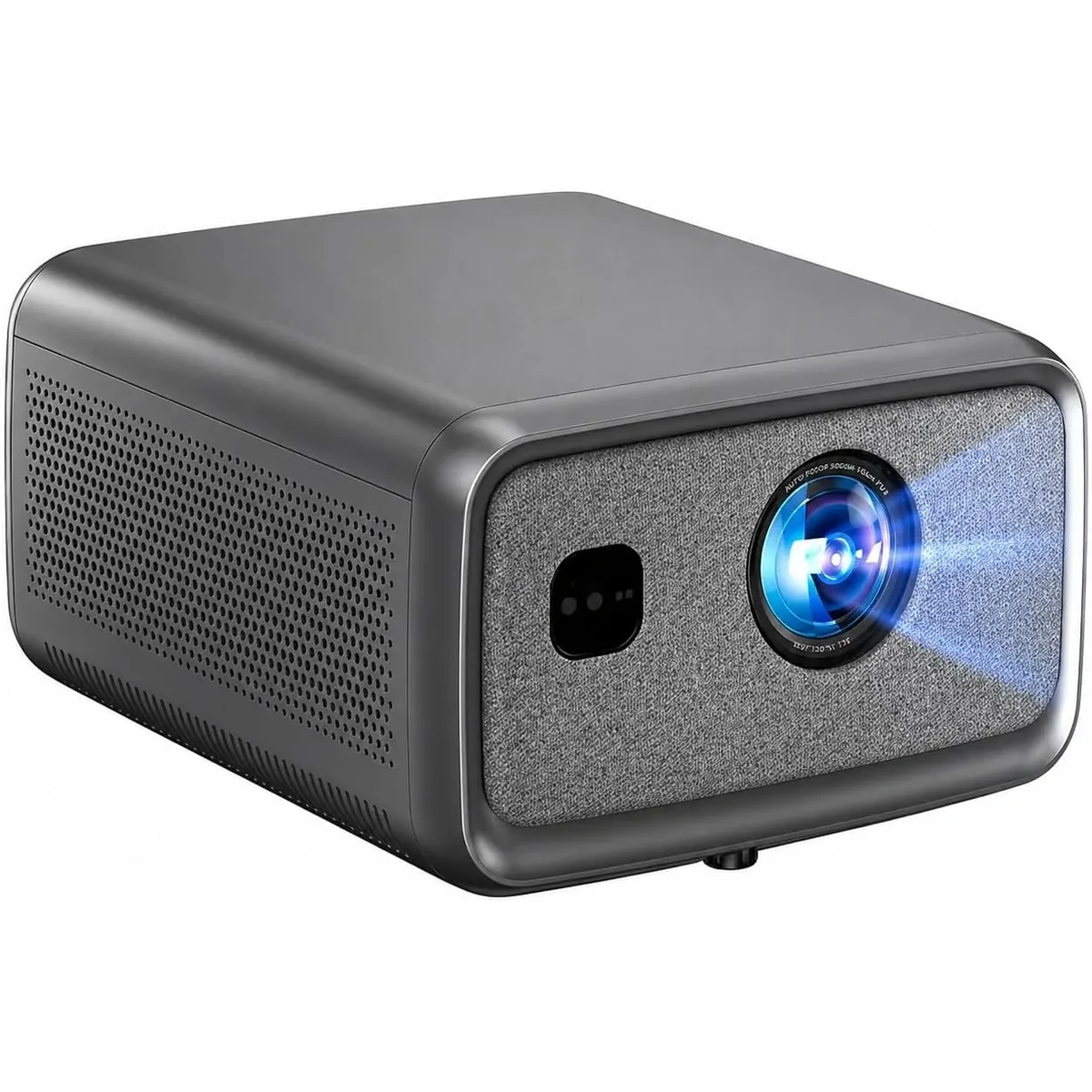
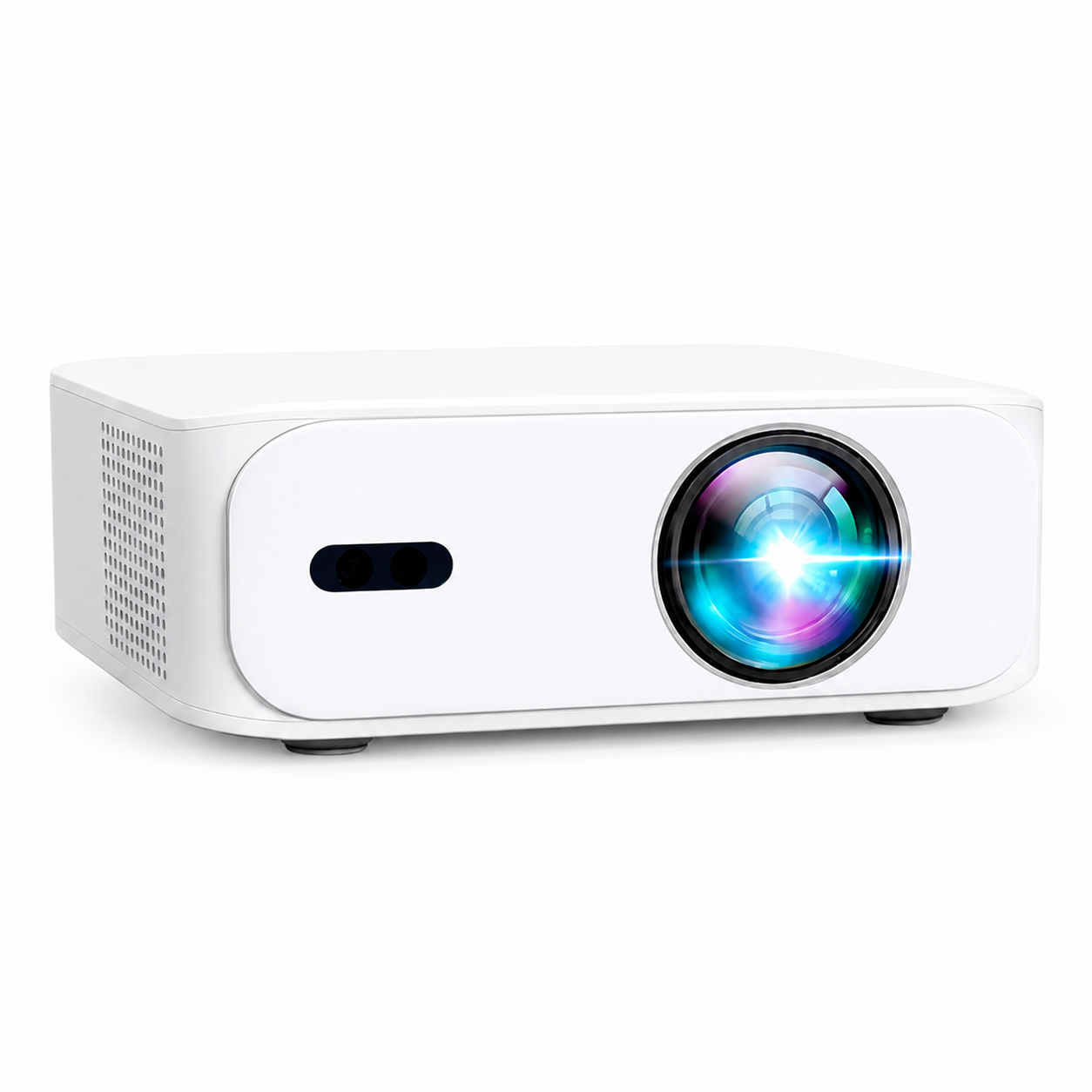
The US BOSS A5 product page lists native 1080p, autofocus, automatic keystone correction, HDMI, USB, Wi-Fi and Bluetooth. Choose your playback route and check the available picture size, placement and room lighting before you travel.
Build five small groups of equipment
Organize the kit by job. A single bag full of loose accessories makes it easy to overlook one essential part. Separate the power supplies from the playback accessories, and keep hard connectors from pressing against the projector or lens during transport. Follow the manufacturer's guidance for protecting and carrying the unit.
| Group | What to check or pack | A useful check |
|---|---|---|
| Power | A5 power adapter; separate source-device power supply if needed | Identify which adapter belongs to which device |
| Playback | Chosen source, its remote and a compatible HDMI cable or adapter when required | Play the actual movie or service before leaving |
| Picture | Confirmed wall or screen; a stable operating surface | Ask for a photo and usable dimensions at the destination |
| Sound | Built-in audio or a tested compatible speaker arrangement | Check dialogue and lip-sync at normal volume |
| Carry and control | Protective packing, cable pouches, remotes and your setup note | Run the packing list again after the session |
This is a planning list, not a list of included accessories. Read the current offer before ordering anything extra. The bag and props in the article's illustration are examples. You may already own most of what you need; add an accessory only when it solves a specific gap you have found.
Keep the complete cost visible in USD. Add the current projector price, any missing playback hardware, protection, screen and audio equipment, then applicable tax. A budget that includes the system you will actually use is more meaningful than comparing the projector price alone.
Prove the playback chain, one link at a time
Write the chain on a card: service or file → playback device → video connection → A5; then write the audio route underneath. This separates “the projector is on” from “the chosen film plays with sound.” A working home screen proves only part of that chain.
For a built-in app, verify current support and play a title under your account. For an HDMI streaming player, verify the player's service support, its own power requirements and the output settings. Do not assume the projector's USB port will supply whatever a separate device needs; use the power arrangement specified for that device.
Netflix's projector guidance explains the option of connecting a supported playback device. That is not a certification statement for the A5. Its black-screen troubleshooting page also notes limitations with screen mirroring. If you can see a phone menu but the movie is black, check service and connection support before repeatedly changing the projector's picture settings.
A downloaded title is not automatically a USB video file. A streaming app may keep downloads within that app and limit how they can be played. If offline playback matters, verify it on the exact device and connection you intend to use. Test with the network disconnected so you know which part still depends on internet access.
Put a USB movie library in the kit
The A5 can play compatible media from a USB flash drive, also called a pendrive. Bring your home videos or other local media and enjoy a viewing option that does not depend on the destination's Wi-Fi.
- Copy the intended video files to the drive and eject it properly from your computer.
- Connect the drive to the projector's USB port.
- Open the A5's media player or file browser and select the video.
- Check the opening, a later scene, dialogue and any required subtitles.
- Run the same test without a network connection before treating it as your offline plan.
Drive compatibility, video and audio encoding, and subtitle support can affect playback. This guide does not promise support for every drive or file format. If a file is missing, silent or unable to play, note its format and ask support about compatibility. Bring the tested pendrive in its own small pouch so it does not disappear among the cables.
Get four answers from the destination
Before packing, ask for the usable image width, available lens-to-screen distance, outlet position and network sign-in method. These four answers can prevent an otherwise well-equipped kit from arriving in a room where it cannot work as intended.
For scale, a 90-inch 16:9 picture is about 78.4 inches wide and 44.1 inches tall. That is a calculated rectangle, not an A5 throw-distance recommendation. A six-foot-wide clear space is 72 inches, so it cannot contain that full picture width. Screen frames and support legs need their own allowance. See our screen-distance planning guide for the distinction between image size and placement.
Keep the first destination simple: a dry indoor room with a stable table, controlled light and a familiar network. A new location introduces enough variables without changing the source device and speaker at the same time. If you want a larger gathering later, establish the basic arrangement first.
Record the answers in this compact destination card:
- Picture surface: type ___; clear width ___; usable height ___.
- Projector position: supporting surface ___; lens distance ___; cable route ___.
- Room conditions: viewing time ___; curtain or light control ___.
- Connection: network available ___; browser sign-in required ___; playback plan if unavailable ___.
Plan for a network that behaves differently
A hotel or dorm connection may require a browser sign-in after you select the Wi-Fi network. Connecting to the network name alone may therefore not complete internet access. Ask about the actual process at the destination; do not rely on the fact that the projector supports Wi-Fi.
For example, Roku documents Hotel & Dorm Connect for supported Roku devices, using a phone or computer to help authenticate. This is a Roku feature, not a claimed A5 feature. Check your exact player's compatibility and bring the accessories its instructions require.
If a phone hotspot is your fallback, try the complete playback arrangement beforehand and check your plan's data allowance. Reception and congestion can differ at the destination. A second untested network is not much of a fallback. For an important evening, a verified local playback option or a simpler alternative may be more useful than a collection of uncertain wireless methods.
Rehearse the first scene before you pack
Do one rehearsal using only the items you plan to take. If you reach into another drawer for a cable, that cable either belongs in the kit or identifies a requirement you must solve. Start with devices off so the rehearsal includes startup, input selection and account access.
- Place the A5 on its intended type of stable surface with appropriate ventilation.
- Connect the planned source and its power supply, then select the correct input.
- Play the actual service or permitted local file, rather than stopping at a menu.
- Watch a dark scene and a speaking face. Enable subtitles and check the picture edges.
- Pause, resume, change volume and let someone else use the remotes.
- Shut down according to the manuals, allow the required cooling and repack.
Note the successful settings without treating them as universal calibration values. A different wall, light level or source can change the result. The purpose is to preserve a known starting arrangement, not to promise the same image in every room.
When the opening scene does not start
Change one thing at a time and return to the simplest known-working connection. That makes your observations useful if you need support.
| What you see or hear | First check | What it helps distinguish |
|---|---|---|
| Projector menu, no source picture | Source power, chosen input and HDMI connection | A source or connection problem from basic projector operation |
| App menu, black movie | Service support for that playback device and connection | A playback restriction from picture-size settings |
| Movie picture, no dialogue | Selected audio output, mute controls and a supported stereo setting where available | Audio routing or format compatibility from the video path |
| Soft edge or trapezoid | Physical alignment, flatness of the surface and focus | Placement issues from the movie source |
| Repeated buffering | The source device's actual network access and another supported playback test | Connection trouble from focus or image controls |
For more detail, use our HDMI dialogue troubleshooting guide or subtitle and screen-fit guide. When asking for help, include the source model, service, cable or adapter, symptom and what you have already tried.
Finish with a return-trip check
Repack after following each device's shutdown and cooling instructions. Keep the power supplies identifiable, protect the lens from loose connectors and check the room for remotes. Remove account access from borrowed devices where appropriate. A good kit should be complete when it returns home, not rediscovered piece by piece before the next invitation.
Do I need an external speaker?
Only if your tested listening arrangement needs one. Start with speech clarity at the destination's normal seating distance, then decide whether extra equipment is useful.
Can I watch from a pendrive without Wi-Fi?
Yes, for compatible local media files. Test the video, audio and any subtitles on the A5 before packing the drive.
Is this a kit for every venue?
No. Picture surface, power, placement, light, network access and operating conditions still determine suitability. Confirm those before committing to the location.
See the current BOSS A5 offer or compare US projector models. For a specific destination, send the room details to our team. Review the current shipping information and return and warranty terms as part of your purchase decision.
Current models and prices
Explore the current models
Review the key specifications and current prices. Open a model for the full details.