US projector buying guide
Can a Projector Replace a TV? A Practical Room and Viewing Checklist
A projector can display the shows, films and other content you normally watch on a TV when you provide a compatible source. Whether it should replace your main TV depends on your room and routine. Evening movie viewing in controlled light is a different task from keeping the news on in a sunny kitchen.

Start by listing when you watch, which services you use, where the image will appear and who must operate the system. That short list reveals more than a headline maximum screen size.
Which daily habits favor each screen?
| Your routine | Practical implication |
|---|---|
| Movies after sunset with lights controlled | A projector is worth comparing when a larger image is the priority |
| News or sports in a bright room with curtains open | A TV usually asks for fewer changes to room lighting |
| Several people need quick, independent operation | Test the complete remote, input and volume routine before replacing the TV |
| Competitive gaming | Compare measured input lag and supported refresh modes for the exact display |
| A room that serves several purposes | A retractable screen can recover wall space, but still needs equipment and cable placement |
These are starting points for comparing a setup, not performance measurements or an automatic recommendation for every product in either category.
Test the room at the time you actually watch
Light falling onto a projection surface reduces the difference between dark and bright parts of the picture. A screen that looks convincing after dark can look washed out in the afternoon. Curtains, blinds and redirected lamps can help, but they need to fit how you use the room.
If your family prefers daylight and open curtains throughout the day, consider whether a TV better suits that routine. If movie nights happen after sunset, a projector may make a large image more practical. Neither choice needs to be permanent: some households keep a TV for casual viewing and use a projector for planned screenings.
Do not select a daytime projector solely from a large lumen number. Ask how brightness was measured and consider screen size and room light together. We do not treat an unspecified manufacturer lumen claim as a measured ANSI result or a daylight-performance guarantee.
A projector needs a compatible source
Streaming can come from a supported built-in app or a compatible external HDMI device. App availability varies by model, operating system, region and licensing. Verify the exact services you subscribe to before making the projector your only screen.
For broadcast television, check whether your setup needs a compatible external tuner or receiver. If you watch over-the-air television, check the required tuner or receiver and its connection to the projector. If you use a cable or satellite box, confirm its video output and the projector’s supported input.
Phone mirroring is another separate compatibility question. A phone’s home screen appearing successfully does not prove that a subscription movie can be mirrored. Our phone connection guide covers adapters, casting protocols and app restrictions.
Check the service, not just the app icon
A streaming logo on a product image does not guarantee continuing support for the installed app. Verify the model and region with the service before relying on it. Netflix's projector guidance distinguishes supported projector apps from use through a supported external device. Our advice is to plan that source before making a projector your only screen.
Write down how each program reaches the display: streaming player to HDMI, cable box to HDMI, or a suitable tuner/receiver for broadcast channels. Confirm where sound exits that chain. Match the supported Bluetooth audio direction and profiles to your source and speaker.
Choose an image that fits the room
Measure the screen’s outer dimensions, lens-to-screen distance and seating position. Allow for the projector body, cables and ventilation. A 100-inch 16:9 image is approximately 87.2 inches wide, before adding the frame.
Use tape to mark the proposed image on the wall and sit in your normal place. Check whether subtitles and the edges of the action feel comfortable. For detailed placement calculations, use our 100-inch screen planning guide.
A dedicated screen gives you a specified surface to evaluate; a wall varies with its paint, texture and color. A dark wall does not automatically create better contrast, and surface texture can remain visible in the image. Confirm the proposed screen material and projector combination instead of treating every white or black surface as equivalent.
Make everyday operation easy
Try the complete start-up routine: turn on the source and projector, select the input, choose a program and set the volume. The arrangement should be understandable to everyone who will use it. Keep remotes accessible and avoid placing equipment where each viewing session requires moving furniture.
Test dialogue at normal listening volume from every regular seat. A projector’s built-in speaker may suit one room but not another. If you add a speaker or sound system, confirm the audio connection and watch a speaking face to check lip-sync. More volume does not correct delayed sound.
Consider maintenance and access as part of daily use. Follow the manual for ventilation, cleaning, operating conditions and shutdown. Use the maintenance instructions for your exact light-source type and model.
Try an ordinary viewing session, not just a showpiece scene
- Use the system at your normal viewing time and light level.
- Start your usual service from its home screen and play a familiar program.
- Check subtitles, a dark scene, dialogue and volume from every regular seat.
- Let another household member change the program, input and volume without coaching.
- Check where the equipment and cables live when the screen is put away.
For a screen purchase, surface and viewing angle also matter. BenQ's screen selection guide discusses type, size and material. Ask for a sample or the screen's documented compatibility before expecting a special surface to solve uncontrolled daylight.
Compare models without a one-size-fits-all winner
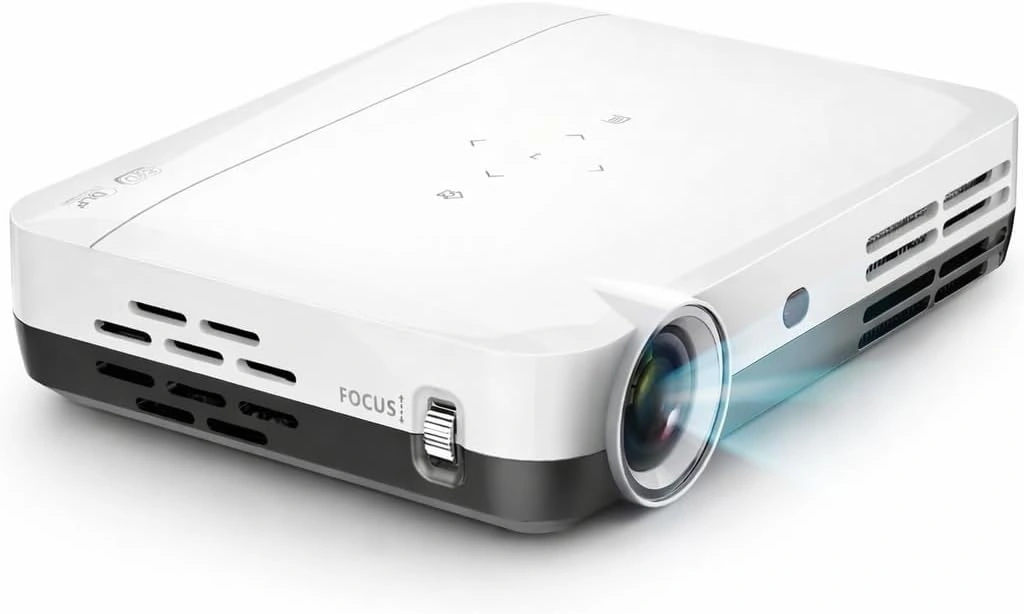
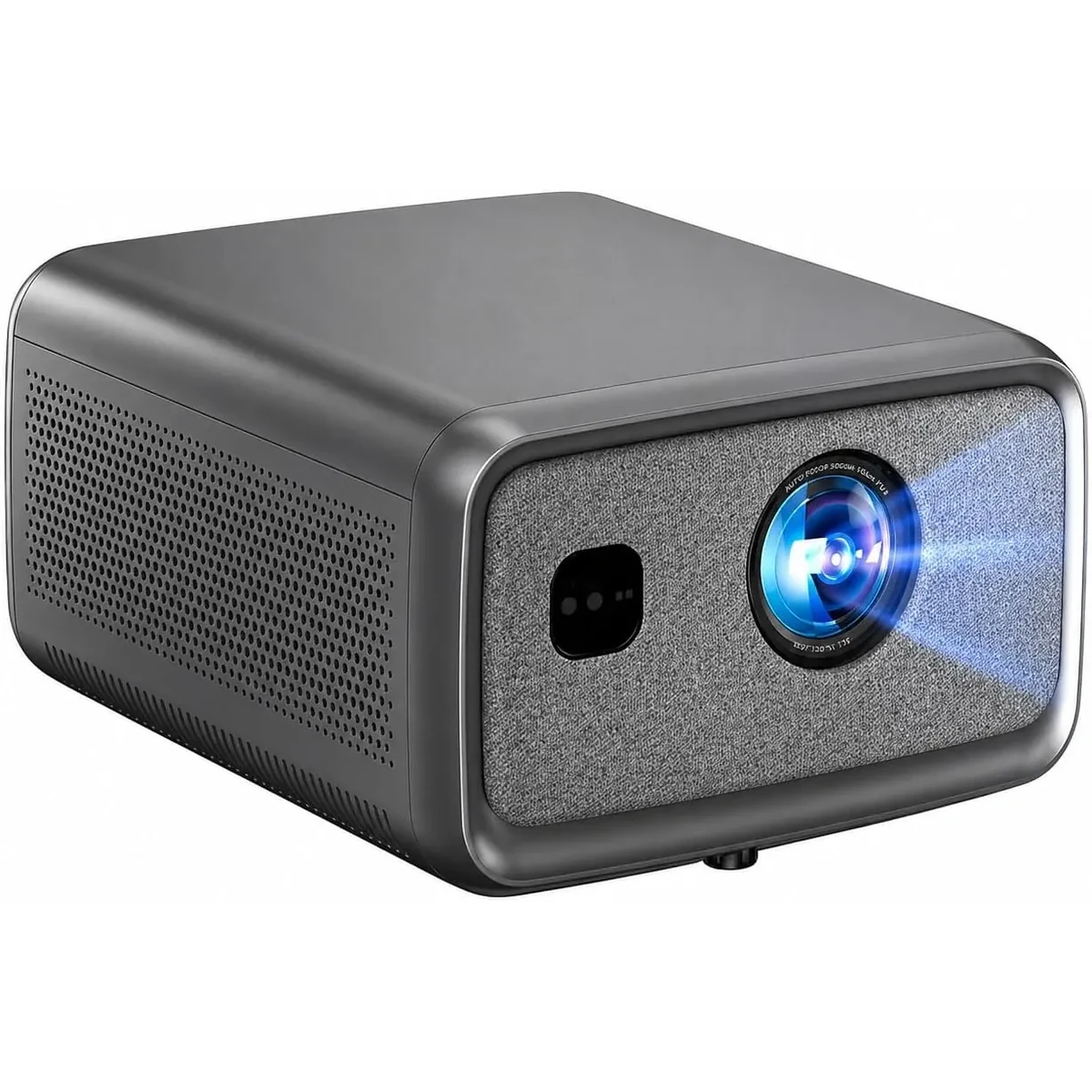
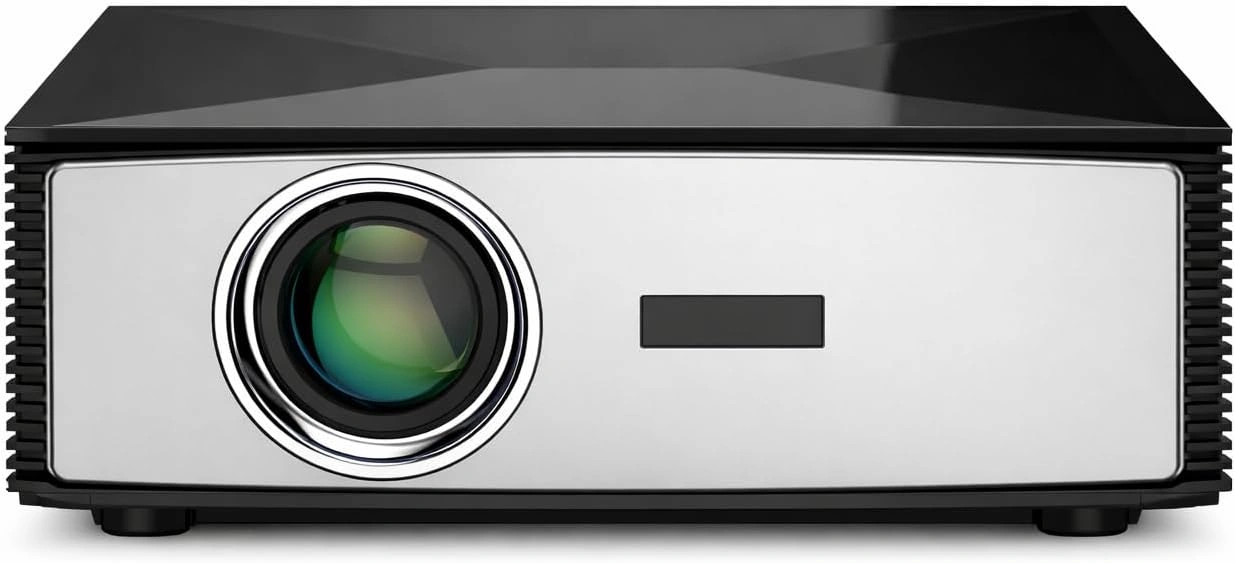
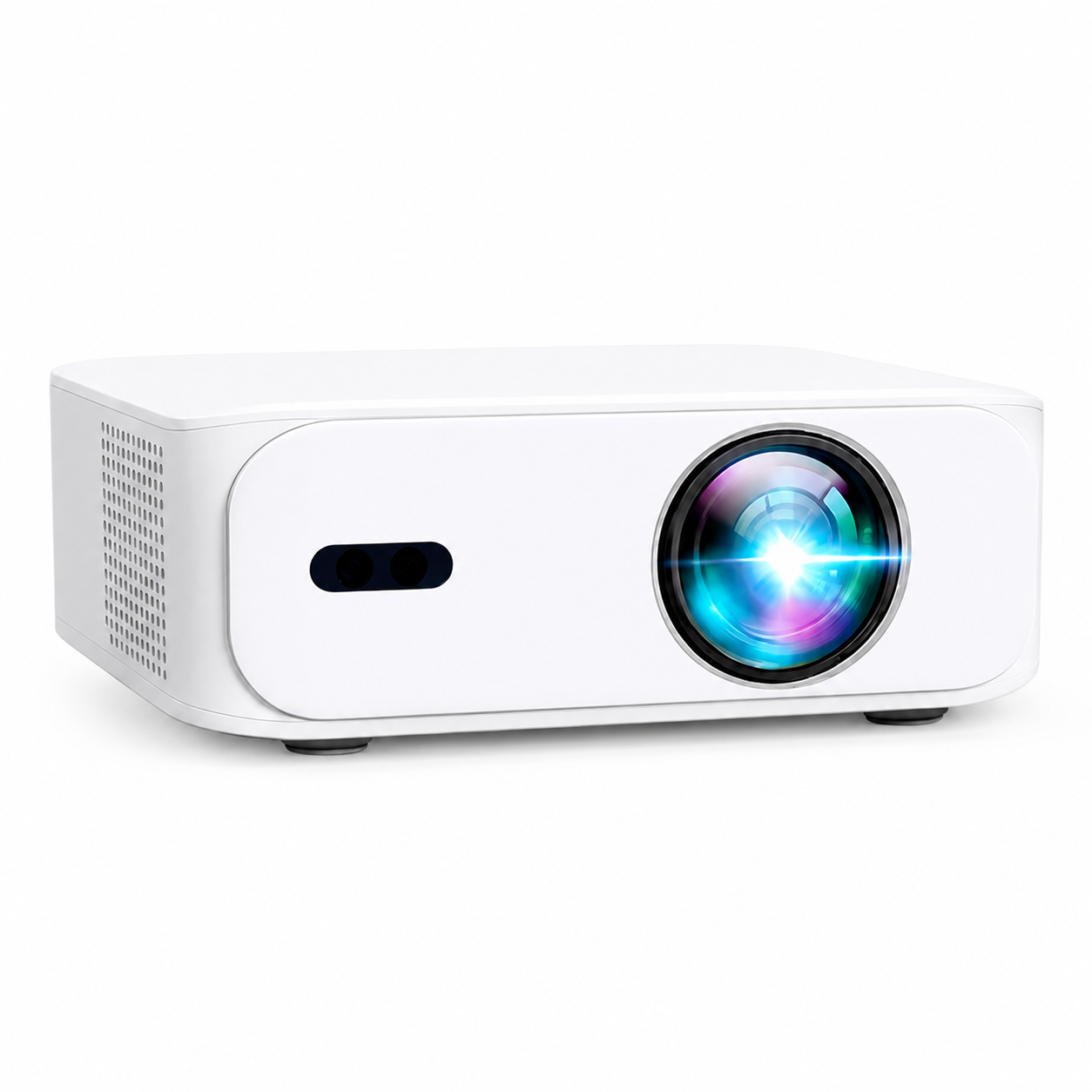
The BOSS Projectors US prices are A5 $199 USD, S6A $429 USD, S7 $749 USD and S8A $899 USD. S7 has 4K UHD output; the other three display Full HD, with S8A also accepting compatible 4K input. These facts do not establish which model fits your particular shelf or room lighting.
Compare the current models, then send our team your image size, available lens distance, viewing time and main source. If a TV better matches the intended use, keep that option in the comparison. The aim is a screen you will enjoy using every day.
Current models and prices
Explore the current models
Review the key specifications and current prices. Open a model for the full details.